
Dashboard
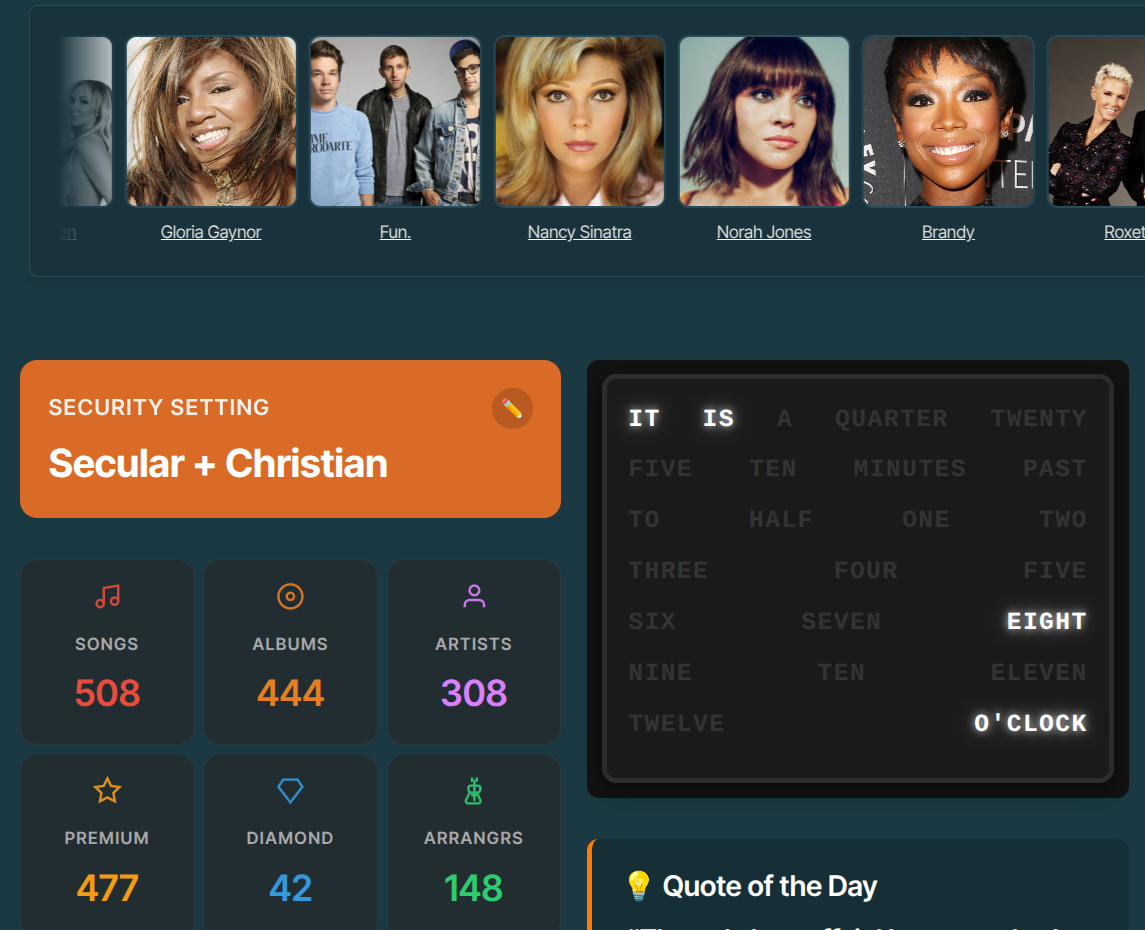
Once you are logged in, you arrive at the Home page. Within the website, this is the location of the Dashboard. How great would it be to have a place where you can collect your favorite widgets. Guess what? It’s possible! You can turn them on and off, and you can even make selections within widgets. We will walk through them step by step.
Security Setting
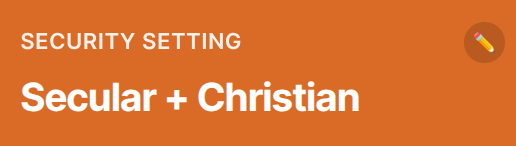
The selection of Songs, Artists, and Albums is determined by this Security Setting. Quite important, therefore. You configure this on your profile page. Save it and log back in. Afterwards, your setting will appear on the Dashboard.
Numbers
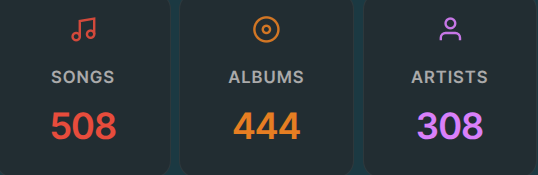
To quickly provide insight into the size of datasets, a block of key figures has been generated. Firstly, it provides concrete information; secondly, it has a practical element: you can click on it and jump straight to the dataset. From there, you can quickly filter.
My Shortcuts
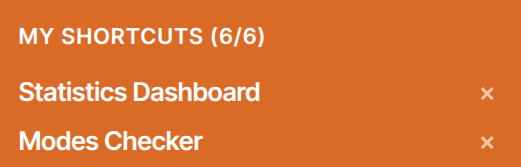
You can bookmark the pages you visit frequently in this block. There are currently 6 slots available. However, it is possible to remove any shortcut to make room for a new one.
Charts
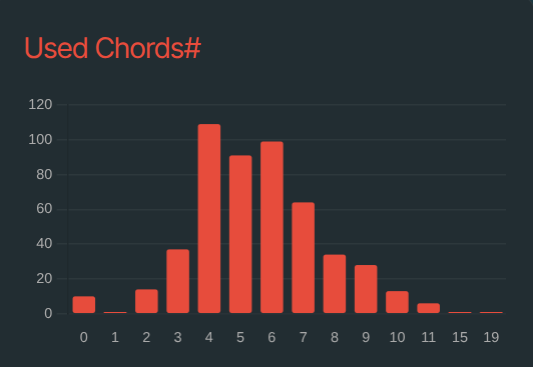
The website features a special Statistics Dashboard. It is possible to have up to 3 of your favorite charts ready at hand. You can configure what you want to see in these charts, and you can choose how many charts you want to display.
Top List
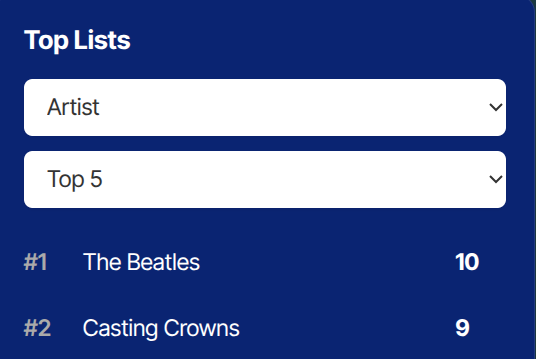
Do you want to know which Artists appear most frequently in the Award Winning Songs data? Use the Top List. Choose from a Top 3, 4, 5, or 10. Besides Artists, you can choose from a number of other topics. These may be expanded in the future.
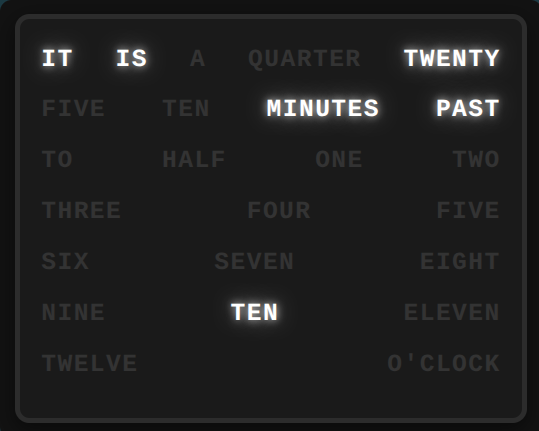
Word Clock
Just a nice-to-have widget. This clock updates every 5 minutes.
Quote of the Day
A new, music-related quote every day. You’ll be surprised to read who some of these statements are from.
Spotify Current Christian Hits
The first of two Christian Spotify Playlists. This list is refreshed on a weekly basis. You can also play the songs right here in the Blog.
Spotify Top Gospel Airplay
The second Christian Spotify Playlist: Top Gospel Airplay. This list is updated bi-weekly.
Spotify Billboard Hot 100
Strictly speaking, the Hot 100 is not secular, but you will mainly see secular songs at the top of the Billboard Hot 100. This is also updated weekly and you can play it right here.
Youtube Christian Top 50
A Christian Hit Playlist, on YouTube.
Youtube Billboard Hot 100
The Billboard Hot 100, but now on YouTube.
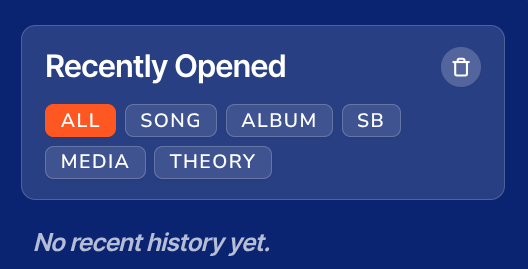
Recently Opened
When you click and open an external link from a page, this link is shown here. A kind of history within the website.
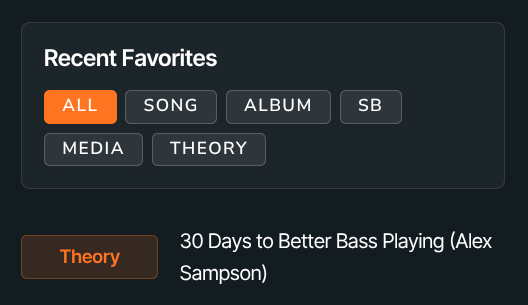
Recent Favorites
The website offers the ability to bookmark favorites within 5 categories. When bookmarking, you can select topics to keep your favorites well-organized. A blog about these favorites will follow later. In this dashboard, you will see a preview of your favorites (up to about 20), and you can filter by category.
New Music Releases (NRT)
NRT describes details of songs, often featuring quotes from the artist who performs the track. This widget is an RSS feed.
Music Reviews (NRT)
Interesting album reviews by New Release Today (NRT). They go into detail about the songs on the album. This block is also an RSS feed.
Stereogum News
The famous ‘The Number Ones’ series also comes in here via RSS feeds. Tom Breihan describes the top hits of the Billboard Hot 100 on Stereogum in his own unique way.